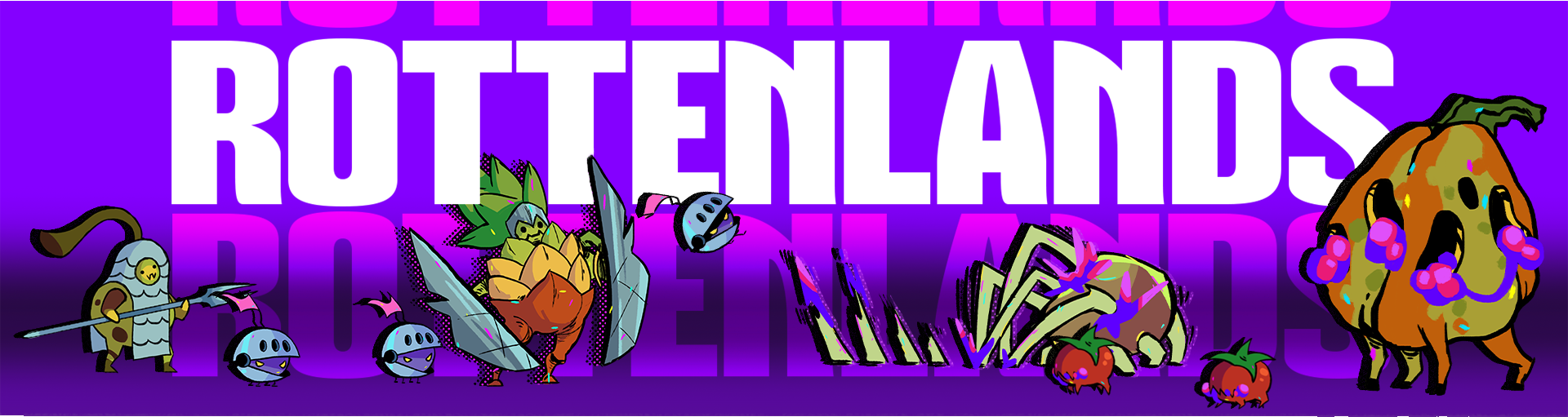
Rottenlands
A downloadable game for Windows
About Rottenlands
Rottenlands is a tower defence deckbuilding game where you play as a general trying to stop the Great Mold from taking over the kingdom.
Luckily, you are not doing it alone. Melona is here to teach you how things work, keep you company, and help out along the way.
Build your deck
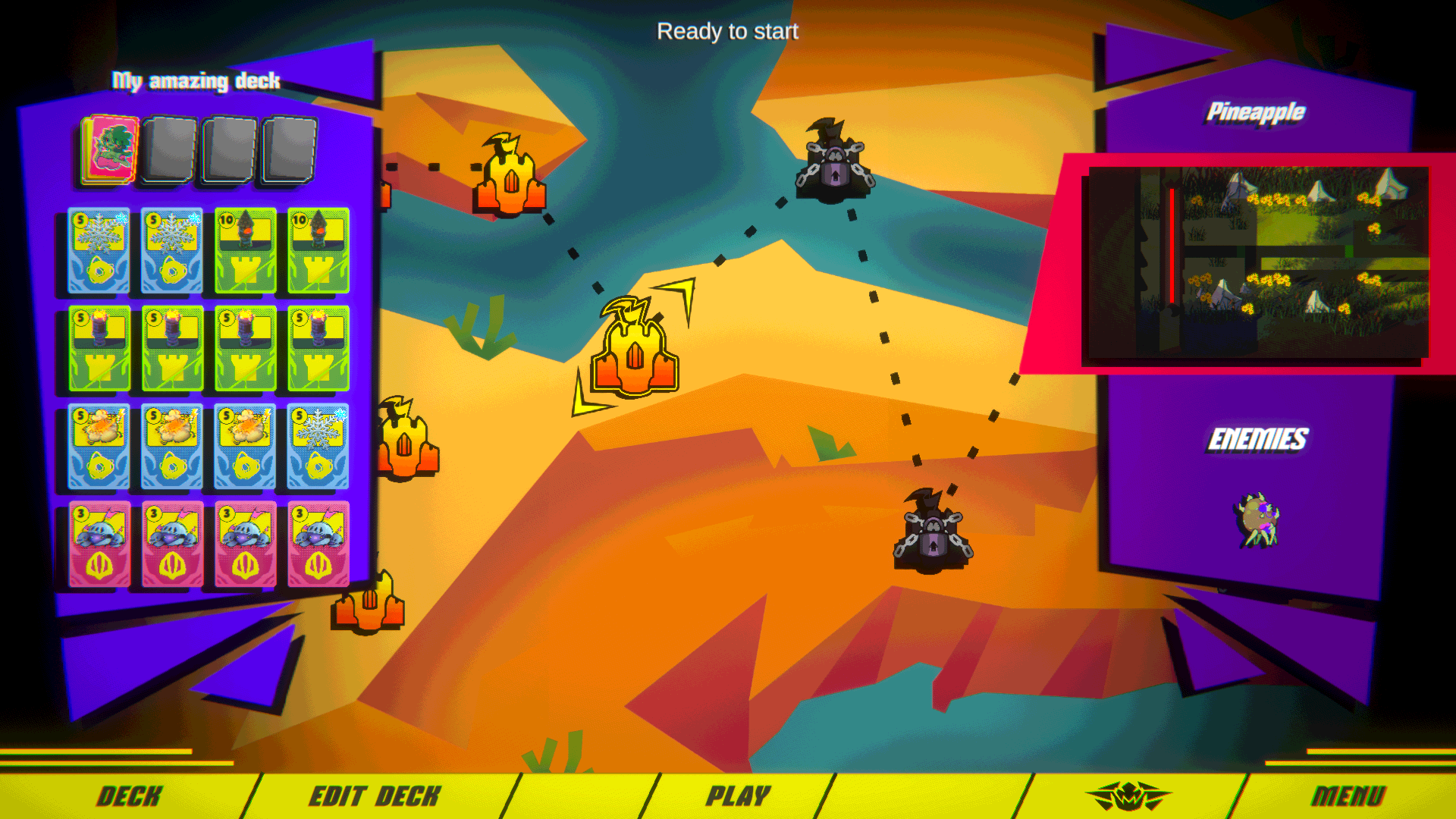
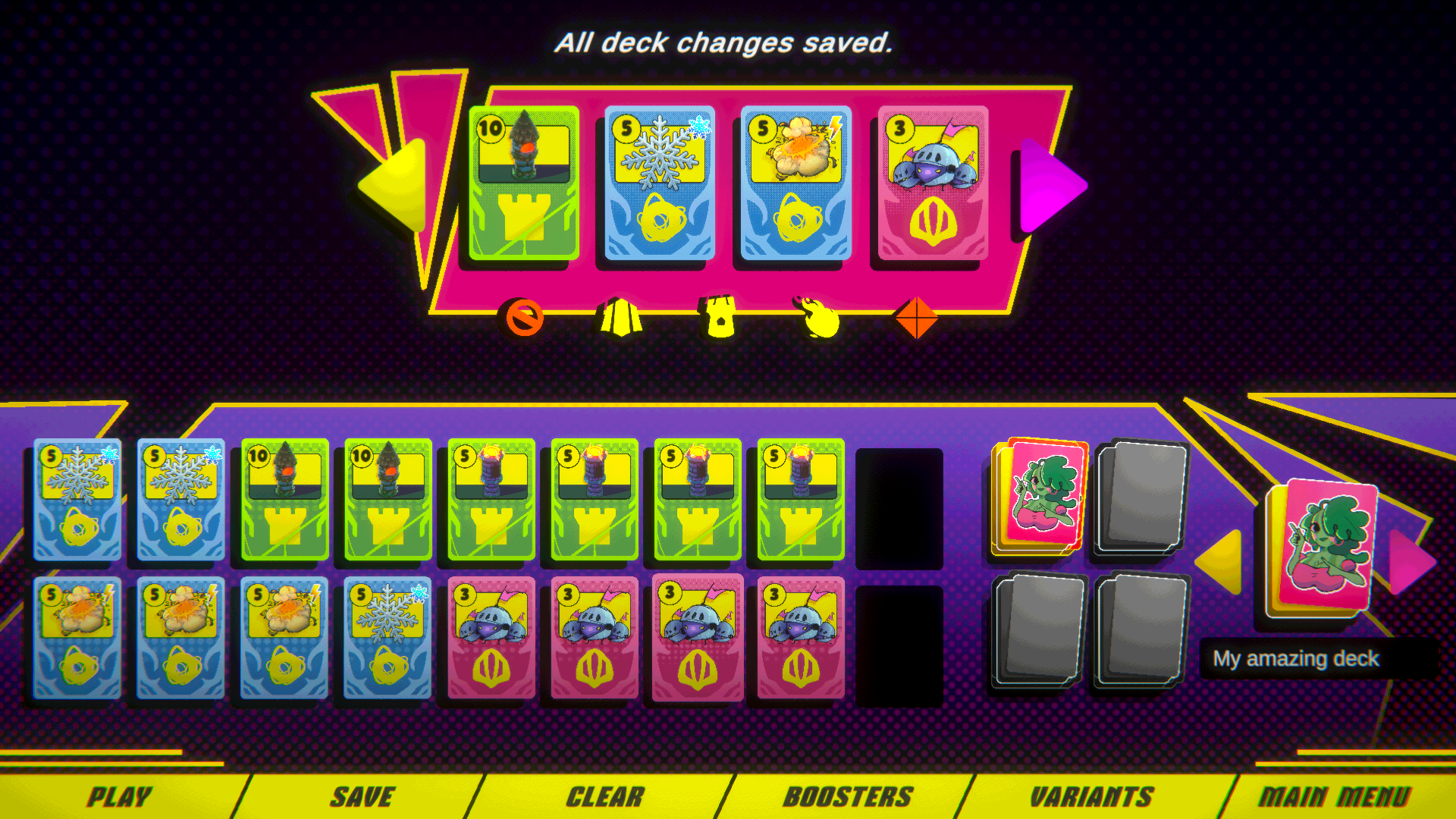
As you make your way through the kingdom, you collect more cards and get more options for your deck. Try different units, towers, and abilities until you find a build you like—or something weird that somehow works.
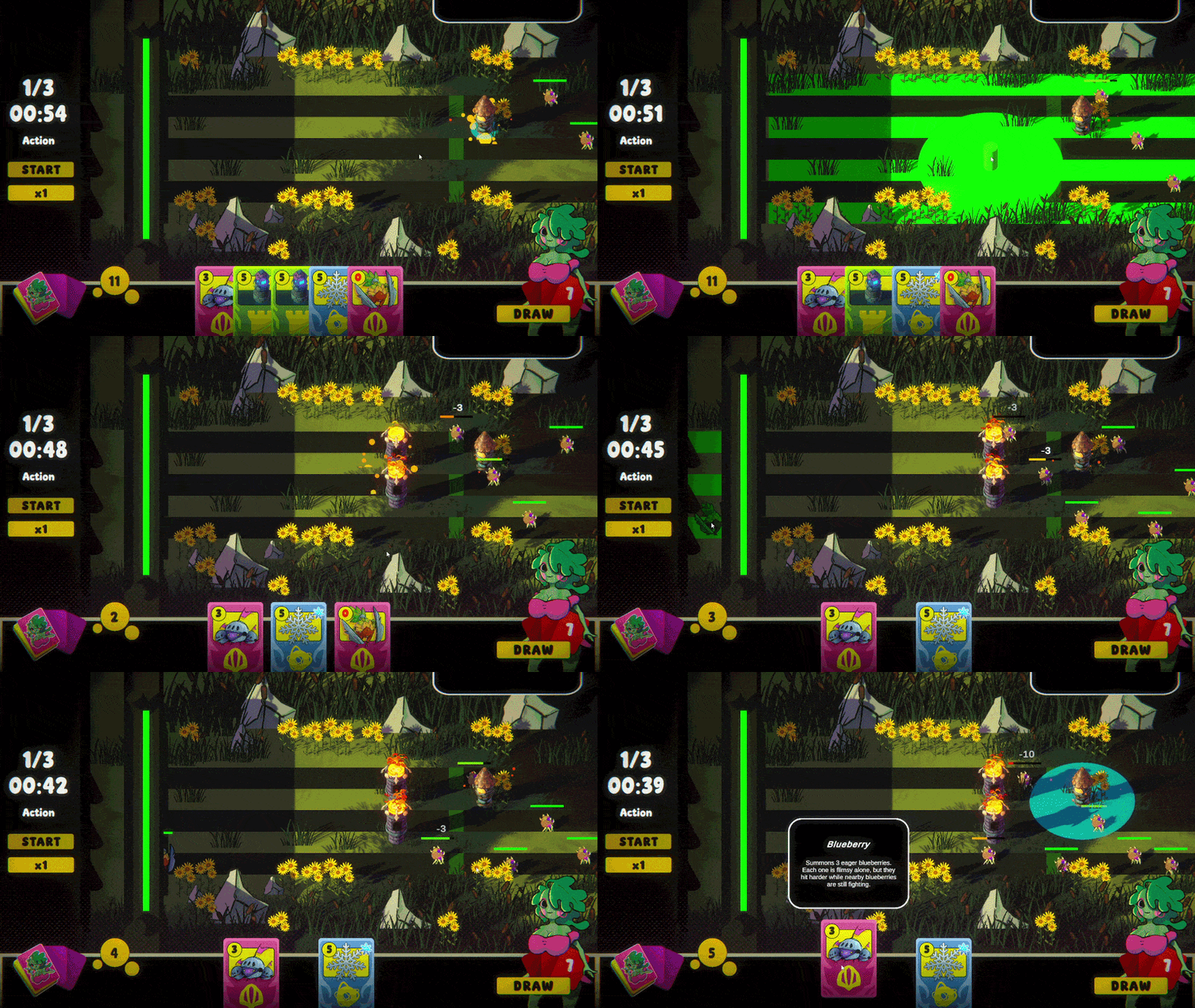
- Tower defence mixed with deckbuilding
- Units, structures, abilities, upgrades, and infusions
- Different cards and combinations to experiment with
- A campaign with new enemies and mechanics along the way
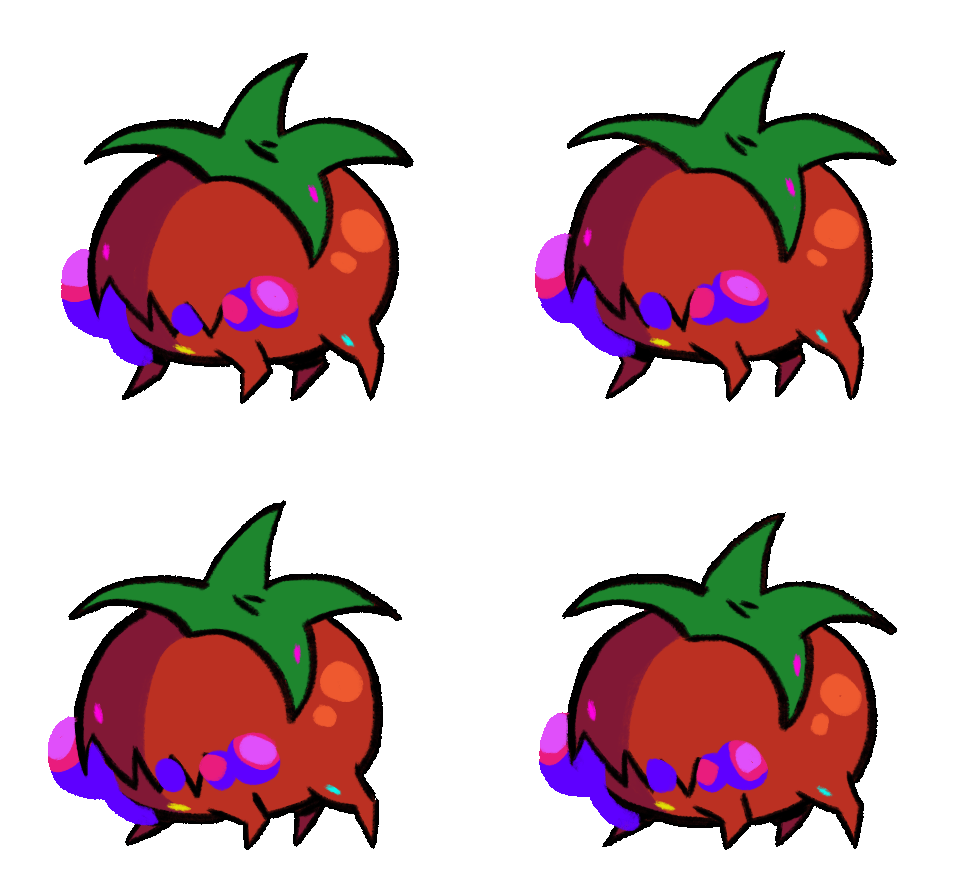
- Fruit soldiers fighting moldy creatures
- Melona!
Beat the levels. Collect cards. Change your build.
Try again. Beat the Mold.
How it plays
Draw cards and spend energy to place towers, deploy units, use abilities, and upgrade your defences. Enemies attack in waves and try to reach your wall, so you will need to plan around what is coming next.
Your army includes the Pineapple Tank, groups of eager Blueberries, and SPear. You can also build bomb towers and ballistas, then combine your defences with Burn, Frost, Poison, or Electric infusions.
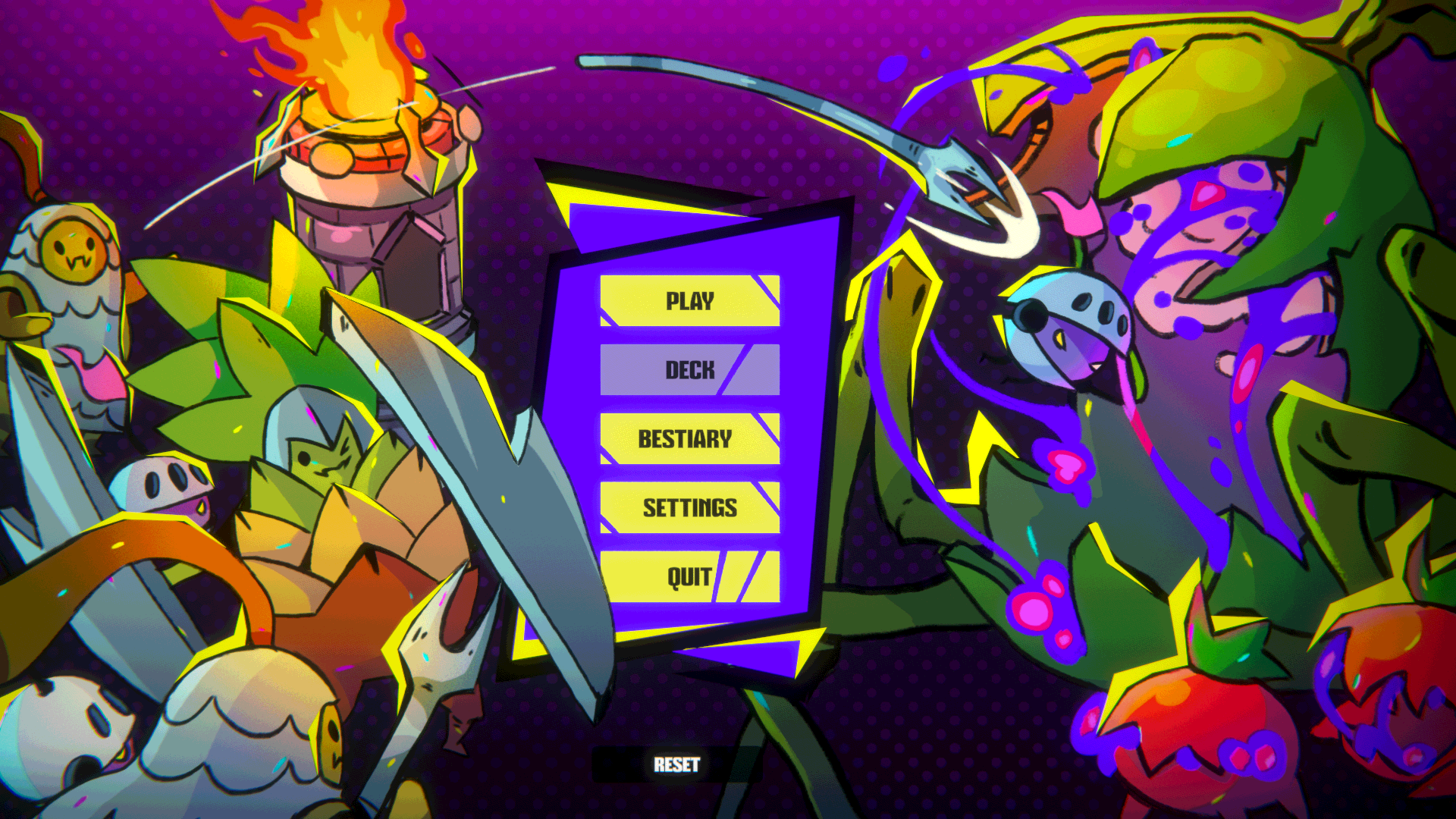
The game saves your progress. Use Reset in the main menu if you want to start again from the beginning.

Rottenlands is still in development. More levels, cards, enemies, and polish are on the way. If you try the game, feedback is very welcome.
Download
Install instructions
How to install Rottenlands
-
Download the game.
Click the download button and save the .zip file to your computer. It will usually appear in your Downloads folder. -
Extract the ZIP file.
Right-click the downloaded file and select Extract All… Choose where you want the game folder to be placed, then click Extract. -
Open the extracted folder.
Wait for the extraction to finish, then open the new Rottenlands folder. Make sure you open the extracted folder—not the original ZIP file. -
Run the game.
Find the Rottenlands .exe application inside the folder and double-click it. The game should now start.
Windows security message: First make sure the game was downloaded from the official Rottenlands itch.io page. You can then allow the application to run.
Comments
Log in with itch.io to leave a comment.
Hi guys, I tried your game and I really love what you are doing so far. One thing to take note of is that the reset button doesn't seem to be working consistently, maybe you can take a look at that. Other than that nice progress so far, looking forward to more updates.
Hello! Thank you so much for the feedback, it does mean a lot to us. We will be looking into this issue. Also feel free to open up discussions about the game on our discord server here: https://discord.gg/YjRA3sSjf